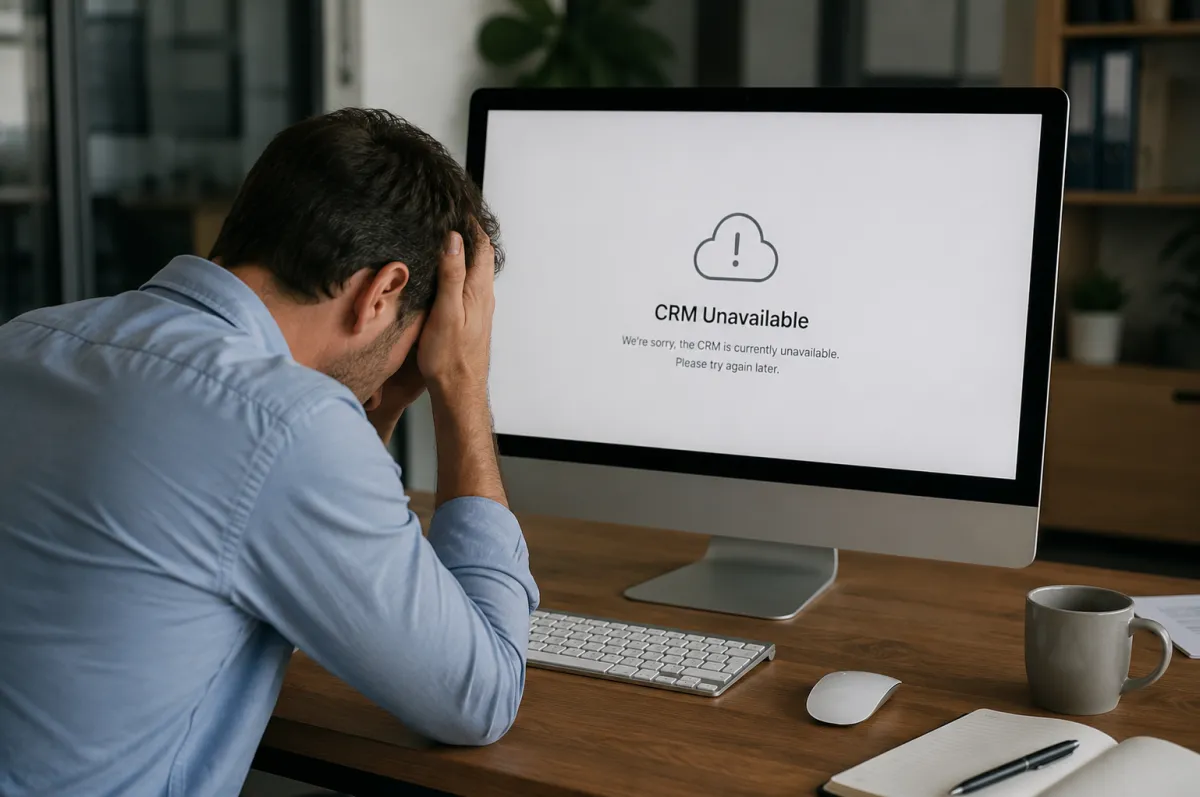
What Happens to Your Business If Your CRM Company Shuts Down?
The dependency most small businesses never stress test, and the escape hatch you can build before you need it.
If your CRM company shut down tomorrow morning, could you still run your business by tomorrow afternoon? Most owners have never asked the question, because the system has always just been there. This is for the small business owner whose contacts, history, and follow-up all live inside one platform they do not own. Here is what actually happens when that platform disappears, and what you can build now so it never takes your business with it.
What actually happens if your CRM company shuts down?
You lose access to the software first, and sometimes the data right behind it. In the worst versions, the login stops working overnight and you get a short window, or none, to pull your records out. Your contacts, your notes, your pipeline, and your automations are all sitting on someone else's server, and their bad week becomes yours.
That is the uncomfortable part most vendors never say out loud. The monthly fee buys you access, not possession. When the company behind the tool has a funding problem, gets acquired, or simply decides your product is no longer worth maintaining, the thing you built your operation around can go dark on a timeline you do not control. It is worth saying plainly because so much marketing is built to make you forget it: the data that runs your business is only as safe as the company holding it.
Has this actually happened to real businesses?
Yes, recently, and to businesses exactly the size of yours. In December 2024, the bookkeeping platform Bench abruptly shut down and told roughly 12,000 small businesses their accounts were immediately inaccessible, days before tax season. This was not a scrappy startup. Bench had raised $113 million from backers including Shopify and Bain Capital Ventures.
Customers were told they could download their data starting December 30 and had until March 2025 to do it, and to file a six-month extension with the IRS while they found a new bookkeeping partner. The company was acquired by Employer.com three days after going dark, so the story had a soft landing. It does not always. That same month, the design platform InVision closed for good, a tool that had once led its category before Figma reshaped it. When InVision shut down on December 31, 2024, there was no bulk export. Customers had to download their work one document at a time, and everything left behind was permanently deleted.
Neither of those was a CRM. That is the point. Bookkeeping data, design files, customer records: it is all the same arrangement. Your operation lives on infrastructure a company can turn off. A CRM shutdown is not a strange edge case. It is the ordinary risk of renting, and it shows up on someone else's schedule.
Why isn't "it's a big, stable company" the protection you think it is?
Because outright bankruptcy is only one of four ways you lose access, and it is not even the most common one. The bigger risks are quiet: a company gets acquired and the product gets retired, or your account gets suspended, or the price triples and you are effectively pushed off. A stable balance sheet protects the vendor. It does not protect your access.
Here is the honest map of how it happens and what each version does to your data.
Read that table as a set of scenarios to plan for, not a reason to panic. The takeaway is not that software companies are villains. Most are not, and plenty of vendors are genuinely worth paying. The takeaway is that "they are too big to fail" is a feeling, not a safeguard, and it is the exact feeling that keeps businesses paying for tools long after they should have reconsidered them.
What does your business actually depend on inside that CRM?
More than a contact list, which is the trap in the question. A working CRM holds four things at once: who your people are, the entire history of every conversation with them, the automations that follow up without you, and the logic that tells you who to call today and why. Lose the platform and you can lose all four, not just the names.
The names are the easy part. Almost any system will export a spreadsheet of contacts. What does not come out cleanly is everything that made the contacts useful. The note from eight months ago about why a lead went quiet. The tags that separate a buyer ready now from one who needs a year of nurturing. The sequence that texts a missed call back in seconds. That operational memory is the real asset, and it is the part most likely to be trapped or flattened when you are forced to leave in a hurry. This is why where your business data lives matters more than it used to: in a system that runs on automation, the data is not just records, it is the fuel the whole thing runs on.
Do you actually own your data, or just rent access to it?
You almost certainly rent it, and most owners have never checked. Ownership is not whether you can see your data on a screen. It is whether you can pull all of it out, in a usable form, on your own schedule, without asking permission. By that test, a lot of businesses do not own their data. They own a view of it that lasts exactly as long as the subscription does.
There is a real legal wrinkle worth knowing, and it cuts the wrong way for most readers here. In the European Union, the Data Act became enforceable on September 12, 2025, and it makes portability and switching cloud providers a binding right, with switching charges set to disappear entirely from January 12, 2027. If you run a business in the EU, the law now has your back. If you run a business in Montana or Ohio or anywhere in the United States, there is no broad federal equivalent. Your right to leave with your data is whatever your vendor's terms of service say it is, and those can change. That gap is not a reason to be afraid. It is a reason to build your own protection instead of assuming someone wrote it into law for you.
What can you do about it without ripping everything out?
Build an exit before you need one, which takes an afternoon, not a rebuild. You do not have to leave your CRM, distrust every vendor, or move everything in-house. You have to stop being one company's bad week away from losing your operational memory. The move is ownership of the pieces that matter most, layered on top of whatever tool you happen to rent.
The order matters more than the speed. This is the same sequence any durable system gets built on: map it, build the safety into it, then learn to run it without thinking.
Map what would actually hurt to lose. Walk your CRM and name the four assets: contacts, conversation history, automations, and the pipeline logic. Note which ones export cleanly and which ones do not. Most owners find the automations and the history are the trapped part.
Own the pieces that are yours to own. Your contact list, your domain, and your content do not belong on rented ground. Keep an authoritative copy of your list somewhere you control, on a real export cadence, not a one-time download you did in 2023 and forgot. Owning your infrastructure is the same principle behind owning your online presence instead of renting attention.
Set an export rhythm and write down the escape route. A monthly or quarterly export of your full data, stored where you control it, turns a catastrophe into an inconvenience. One page that says where the data goes and how you would rebuild elsewhere is the difference between a scramble and a switch.
Ask the ownership question before you buy the next tool. Can I export everything, in a usable format, whenever I want? A vendor who cannot answer that cleanly is telling you something. The ones built to break in six months are usually the ones bolted together by someone who was never planning to hand you the keys.
None of this requires you to become your own IT department. It requires you to treat the data as yours and act like it, which is a decision more than a project.
So is renting a CRM a mistake?
No. Renting software is often the right call, and owning everything from scratch is overkill for most small businesses. GoHighLevel, the CRM I build client systems inside, is a rented platform, and it earns its keep. The mistake is not renting. The mistake is renting without an exit, so that the tool holds your business hostage instead of serving it.
The honest tradeoff looks like this. Rented tools give you capability fast and cheap, and you accept that you are a guest on someone else's infrastructure. That is a fair deal as long as you keep a copy of what is yours and a way out. Owning more of the stack costs more upfront and buys you control and durability. Most owners land in the middle on purpose: rent the software, own the data, and never confuse the two. Where you sit on that line should be a decision you made, not a default someone sold you.
Frequently Asked Questions
What happens to my data if my CRM company goes out of business?
It depends entirely on the vendor's terms and how the shutdown is handled. Some give a short export window, some hand your data to an acquirer, and some delete it after a deadline. You may keep a viewable copy, a full export, or nothing, which is why a copy you control is the only guarantee.
Can I get my customer data out of my CRM before something goes wrong?
Usually yes, but the quality of the export varies a lot. Contacts almost always export as a spreadsheet. Conversation history, notes, tags, and automations often do not come out cleanly. Test a full export now so you know exactly what you can and cannot recover, rather than finding out during an emergency.
How often should a small business back up its CRM data?
On a set rhythm, not just when you remember. A monthly or quarterly full export, stored somewhere you control, is enough for most small operations. The point is a standing cadence, so the worst case is losing a few weeks of records instead of everything.
Is my data safer with a large CRM company than a small one?
Not necessarily. Size protects the company's finances, not your access. Large platforms get acquired, retire products, suspend accounts, and raise prices too. A well-known name lowers the odds of a sudden collapse, but it does not replace keeping your own copy of your own data.
What is vendor lock-in, and how do I avoid it?
Vendor lock-in is when leaving a tool becomes so painful or expensive that you stay even when you should not. You avoid it by owning the assets that are yours (your list, domain, and content), keeping regular exports, and asking about data portability before you commit, not after.
Does owning my data mean I have to leave my CRM?
No. You can rent the software and still own the data inside it. Ownership here means keeping an authoritative, exportable copy of your records on infrastructure you control, so the CRM is a tool you use rather than a landlord you depend on.
What is the first thing I should do this week?
Run a full export of your CRM and open the files. See what came out clean and what did not. That single test tells you how exposed you actually are, and it turns a vague worry into a short, fixable list.
Map what would actually hurt to lose, then run one full export this week and see what your CRM really hands back. That afternoon of work is the whole difference between a shutdown that is an inconvenience and one that takes your operation with it. If you want help figuring out what to own versus what to rent, and how to build a system that keeps your data yours no matter what happens to any one platform, Bennin Systems can map it with you before you spend more money on tools.
Bennin Systems, Paradise Valley, Montana. (406) 224-3267. benninsystems.com
